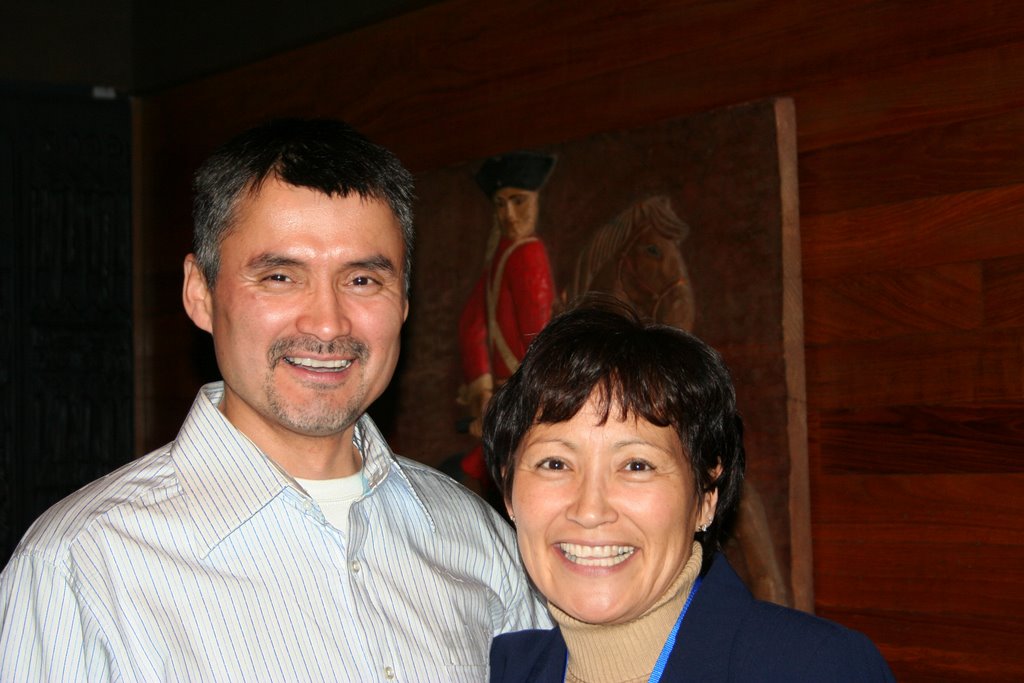
 I would really like to get the background changed up but but fixing the blown out white shirt the picture looks much better to me. One of those projects that I will get to keep working on.
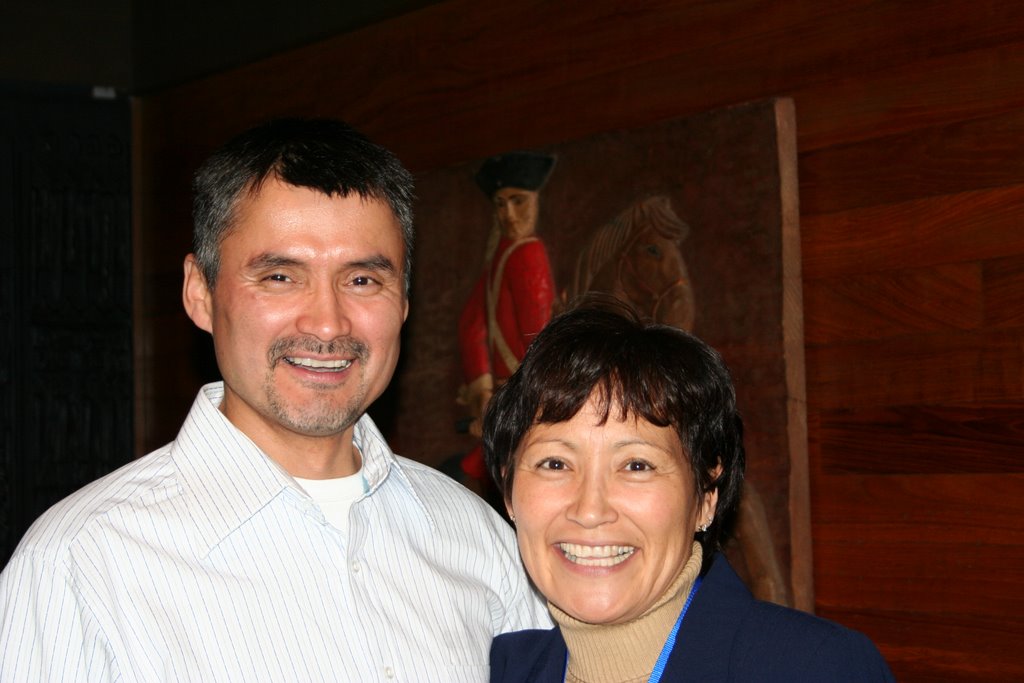 Here is a picture of my boss Bernice and her husbandI would really like to get the background changed up but but fixing the blown out white shirt the picture looks much better to me. One of those projects that I will get to keep working on. Here is a picture of my boss Bernice and her husband


 This is taken of a ditch near where I live. I saw this junk, just dumped there and thought about the symbiosis between the human and the nature...
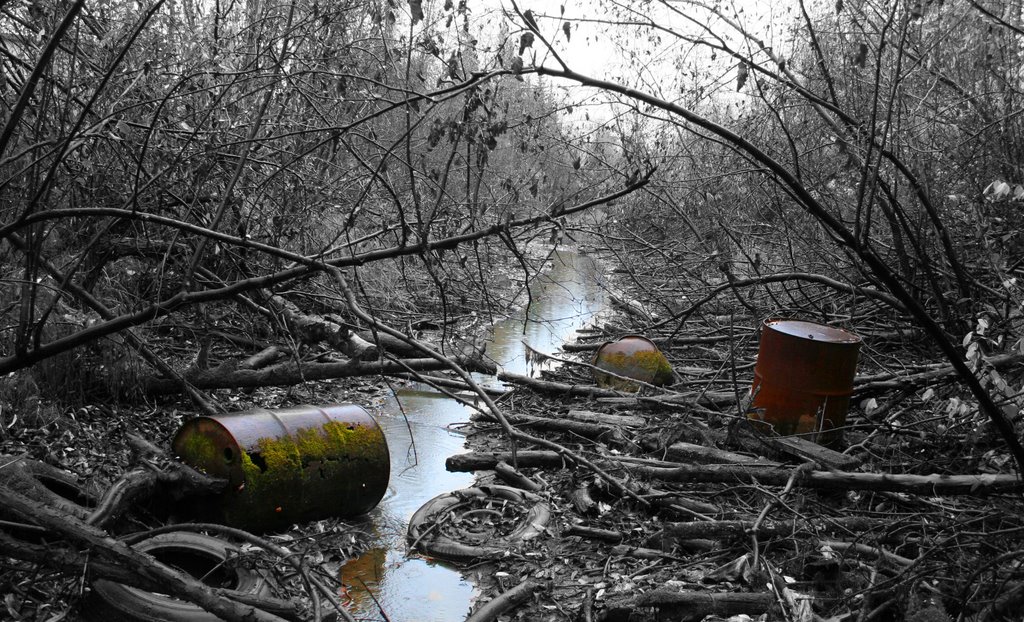 First, I rotated the picture a few degrees and cropped it. Then I wanted to ephasize the illness of the whole by turning the picture into B&W, except for the rusty barrels and the brown water. I even enhanced the saturation of the barrels to make them stand out more. Mixing B&W with colour is a really easy thing to do and it works powerfully.
 I used two layers, the original as the backround layer and a copied layer of the same image. The copied image on the top was turned into B&W just by desaturating it. Then, where the barrels are, I erased the top image with the eraser tool revealing the extra saturated colour image below, thus leaving everything else B&W except for the erased parts.
 I got my new Flickr site up and running. Good way to share your photos and give them tags for other people to "accidentally" find your pictures:) It's also fun to see what other photos there are with the same tags as yours. The downside is the limited bandwidth.
 This is my friend Ruth, her poor chin is my subject blurr
 Depth of Field - look at the trailor not the turnouts(I did not use a tripod)
 I have over exposed Engine 64 - ISO 1600 with a shutter speed of 1 second
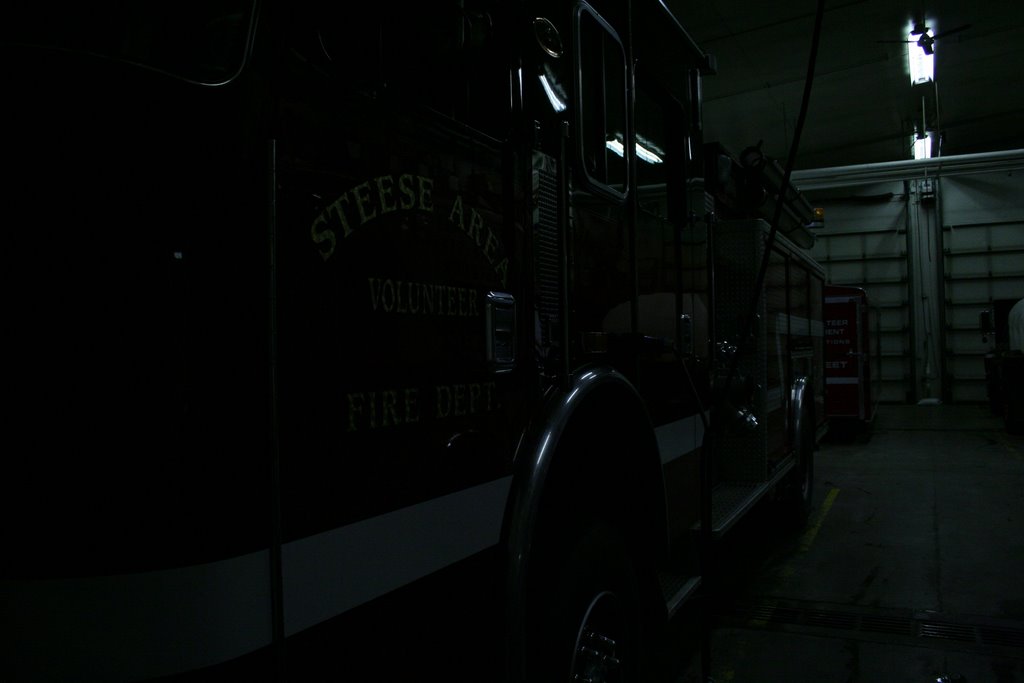 Engine 64 is now under exposed - too dark - ISO 800 with a shutter speed of 1/125
 While this picture of Engine 64 is a bit blue I had to really over compensate for the green that comes from the floresent lights
